Once your trial has started
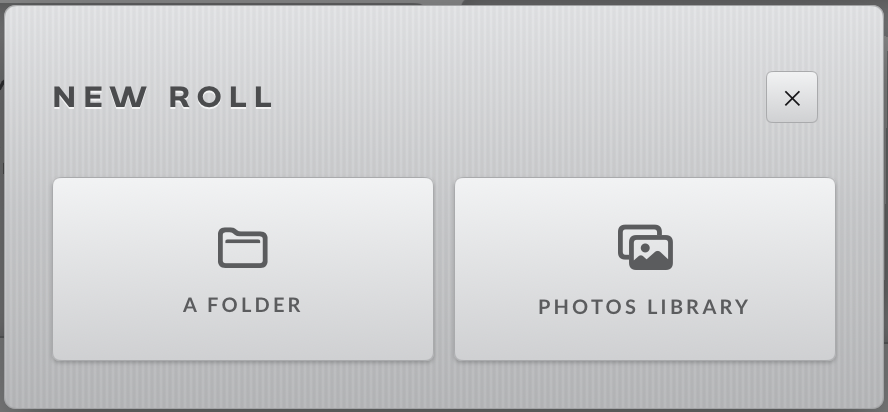
Now the New roll tile opens a picker instead of the card. A roll is either a folder, wherever it lives, or a set of photos from the Photos library.
3.1Connect a card
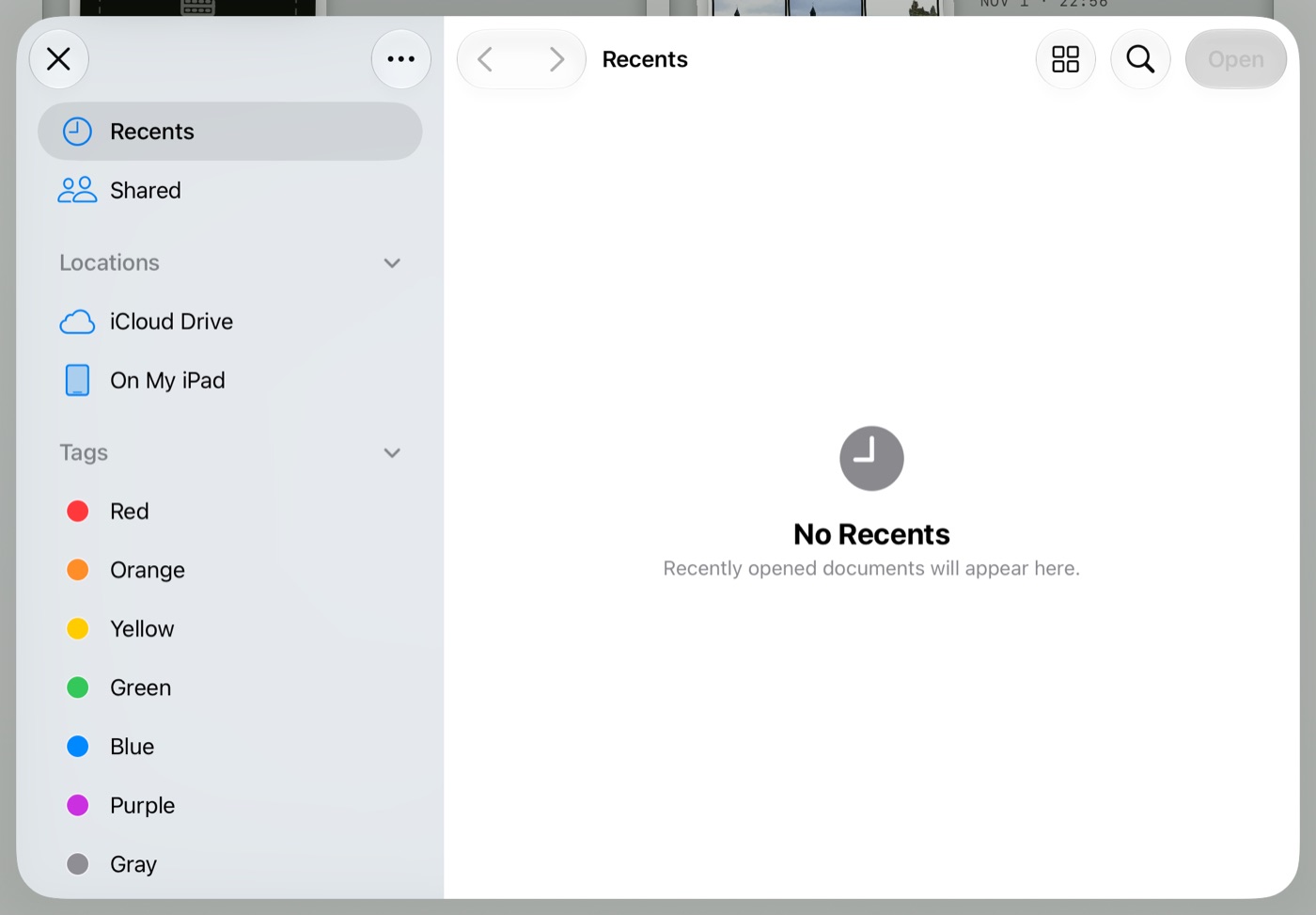
- Plug a card reader or drive into the iPad, tap New roll › A FOLDER, and choose the folder (the card's
DCIM/100…folder, a project folder, a folder of JPEGs). Nested folders are fine: tick WALK SUBDIRECTORIES in the next dialog. - Proof writes one small hidden
.prooffile into the folder. That is the roll's identity: it is how Proof recognises the same roll when the card comes back, on another iPad, or after you move the folder. A read-only card is fine; the roll still works and the file is written when it can be. - RAW is read natively: DNG, CR2, CR3, NEF, ARW, RAF, RW2, ORF, PEF, SRW, alongside JPG, HEIC and TIFF. A RAW+JPEG pair shows as two frames; the FILE TYPES chips in the open dialog show just one kind.
- Pull the card while the roll is open and a banner says
MEDIA DISCONNECTED: you keep marking on cached thumbnails, and full resolution and exports resume when it is back. On the desk, the LED on each recent card lights when that roll's source is connected.
3.2The open dialog
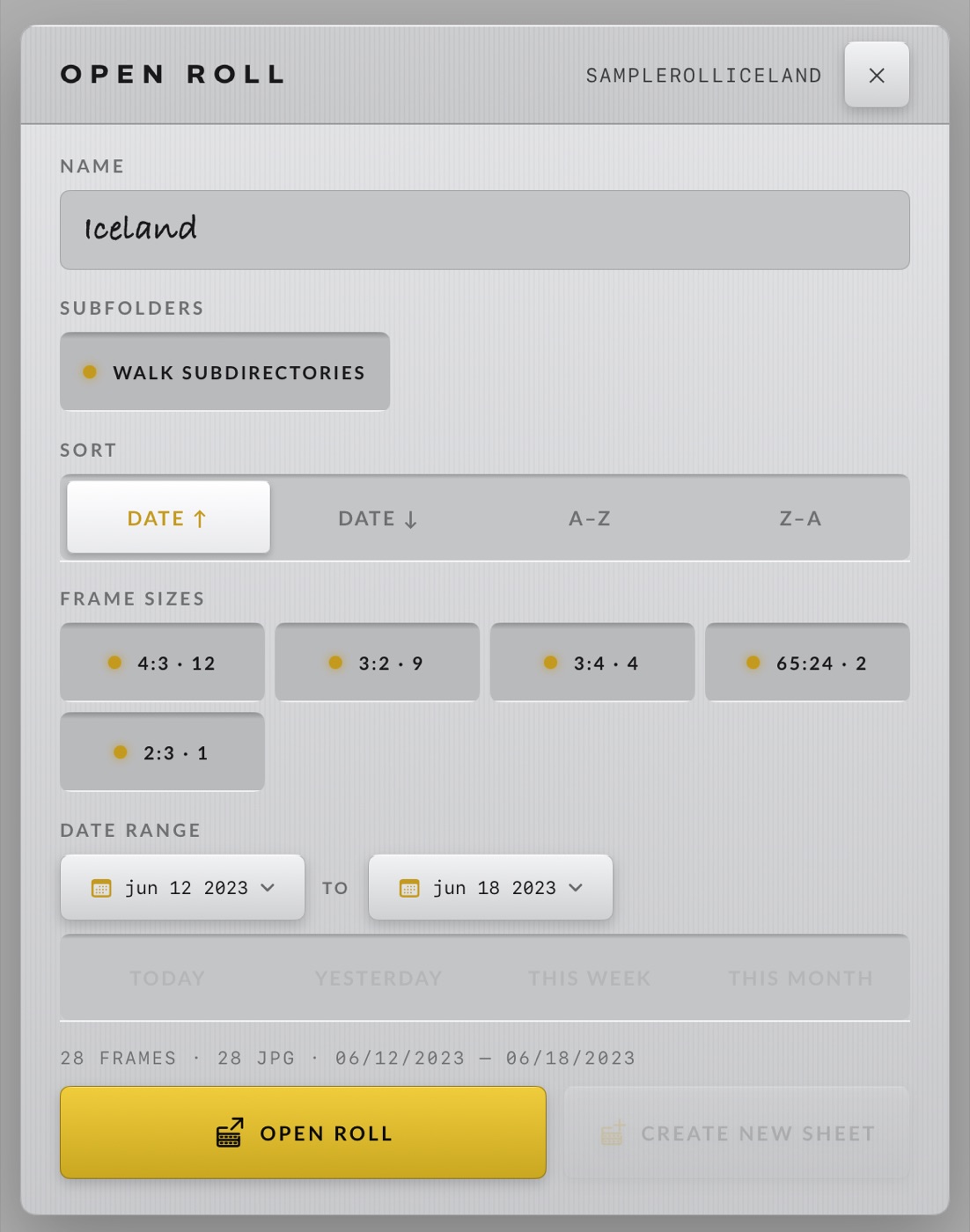
- Titled NEW ROLL the first time and OPEN ROLL when the folder already carries a
.proof. - Name the roll, choose the Sort (date up or down, A–Z, Z–A), and narrow it: FILE TYPES and FRAME SIZES chips appear when the folder mixes them, the DATE RANGE when it spans more than a day (with TODAY / YESTERDAY / THIS WEEK / THIS MONTH shortcuts).
- Reopening a card after another shoot offers ADD N NEW FRAMES FOUND SINCE LAST OPEN. Changed the settings on an existing roll? CREATE NEW SHEET starts a fresh sheet with them; the main button reopens the old one.
- Rows per sheet is not here: it lives under ROLL SETTINGS on the ROLL screen.
3.3Photos and iCloud Photos
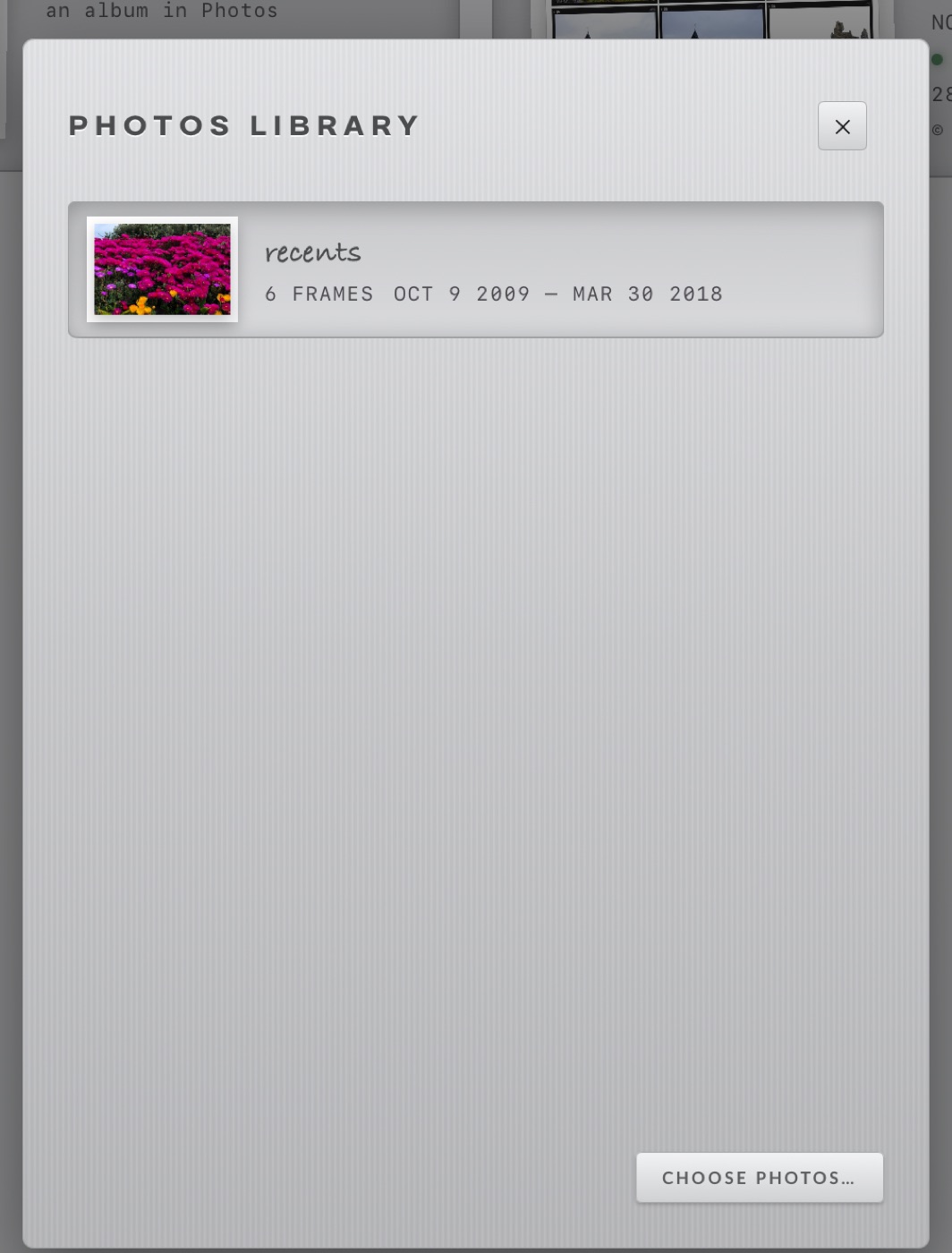
- Tap New roll › PHOTOS LIBRARY. The first time, iPadOS asks for access; Proof reads the library and writes to it only for Favorites, a selects album, and deleting rejects you ask it to.
- An album is a roll. iCloud Photos albums are listed like any other; frames stored only in iCloud are fetched as they are needed, so a big album over a slow link takes a moment to fill in.
- Gave limited access? The plate says Proof sees only the photos you allowed with a CHOOSE MORE key. Denied it? OPEN SETTINGS takes you straight there.
- On a Photos roll the ROLL screen gains SELECTS TO FAVORITES and SELECTS TO ALBUM, and Delete rejected moves photos to Recently Deleted, where they can be recovered for 30 days.