Proof Quickstart.
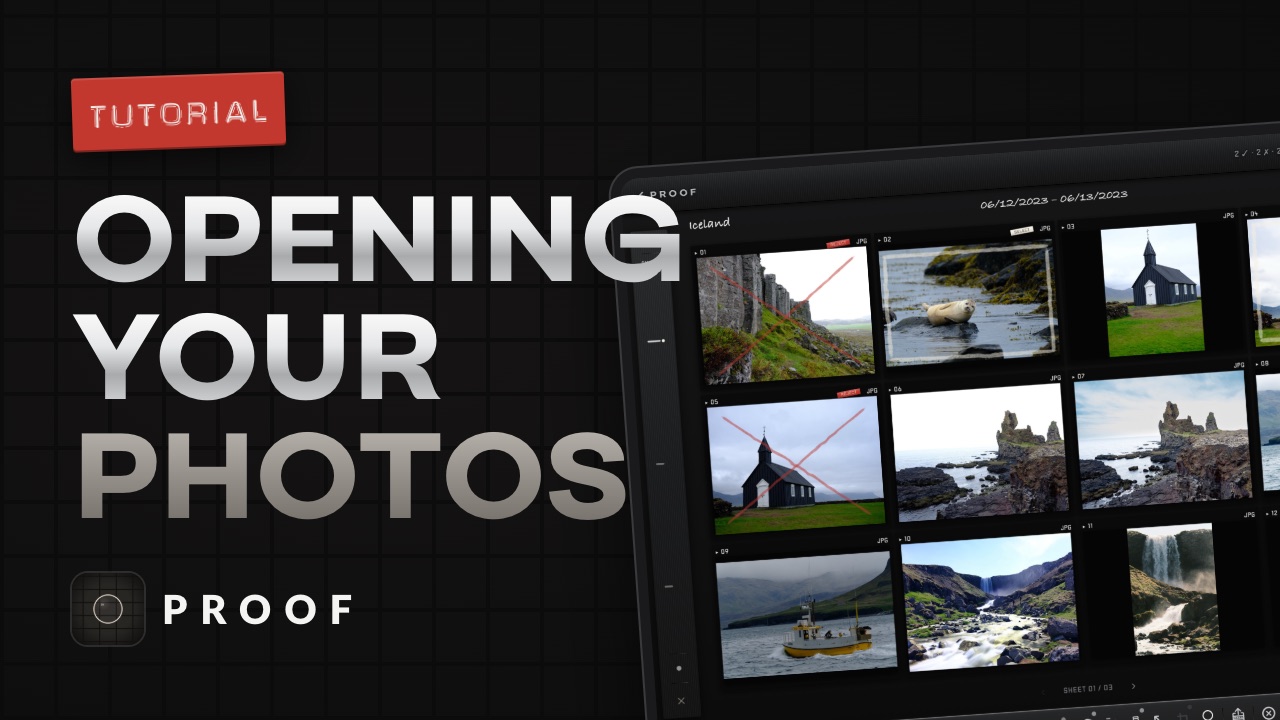
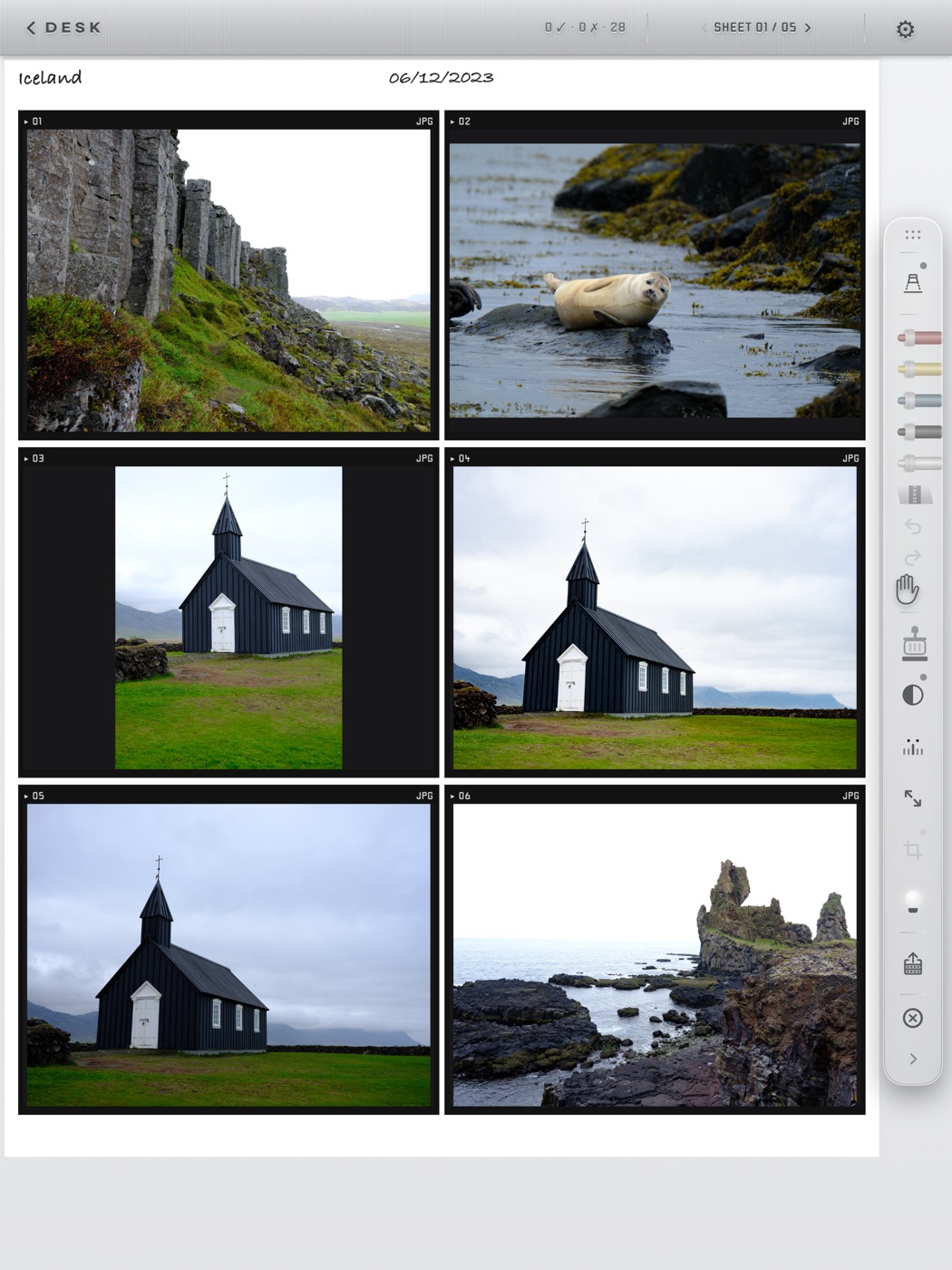
Proof lays a roll out as a contact sheet and hands you a grease pencil. This guide gets you from the first launch to a marked-up sheet of your own photos. Start with ten short videos, or read the four pages: what the free sample rolls let you try, what every tool on the bar does, how to open a card or an album once your trial is running, and what the ROLL screen is for.
- 10 videos
Watch
The whole guide in under twelve minutes: opening a roll, each tool on the bar, the ROLL menu, the frame view and the crop.
- Opening your photos
- The loupe, the pencils, the hand and the stamp
- The ROLL menu: save to source, contact sheets, export and print
- Photo detail and the crop tool
- 01
Before your trial
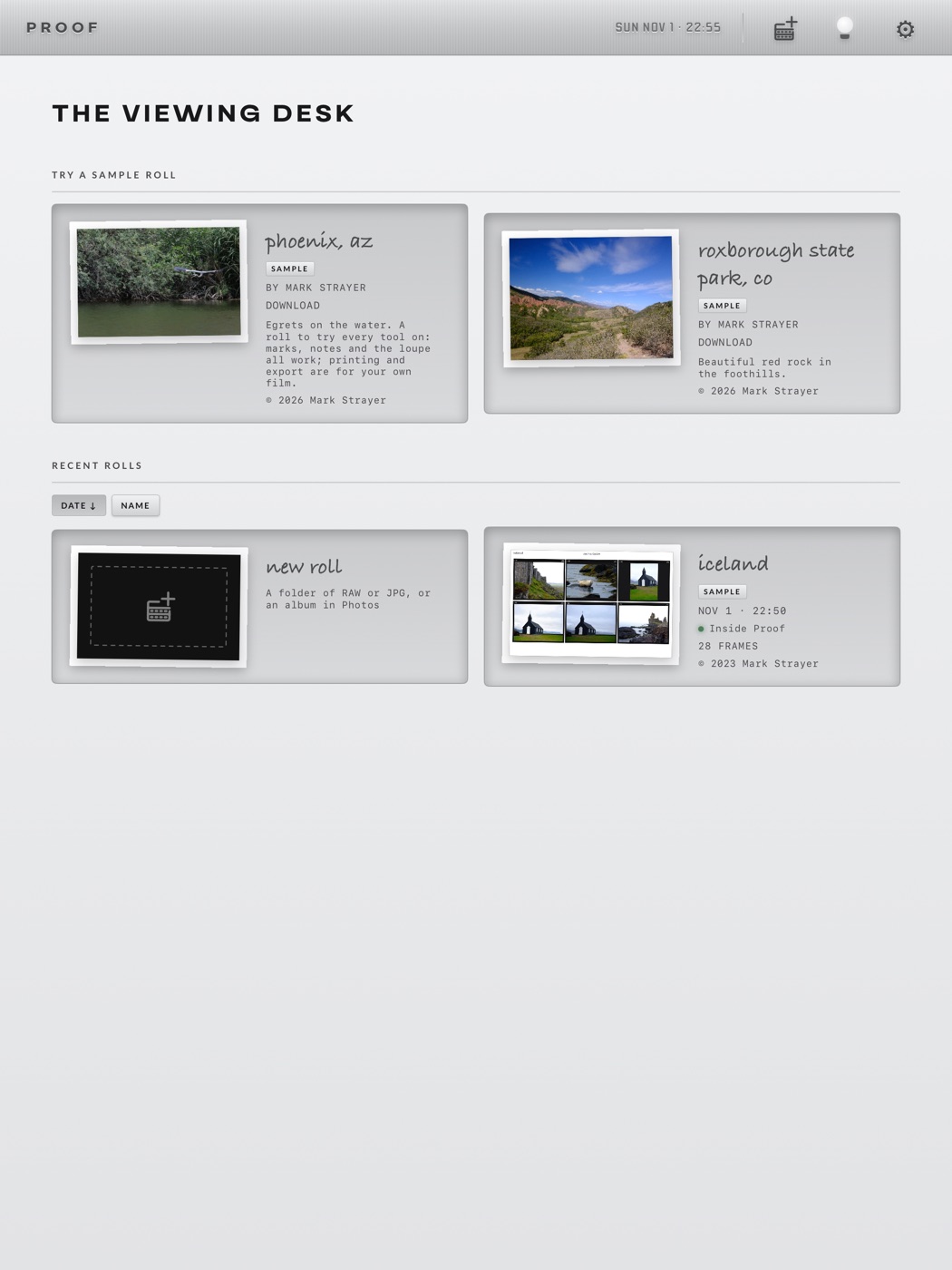
The viewing desk, the three free sample rolls, what a sample lets you try, and where the trial begins.
- Download a sample roll
- What you can do on a sample
- Where the trial begins
- 02
The toolbar
Every tool on the floating bar, top to bottom, what a tap and a hold do, and the plate above the sheet.
- Pencil or finger
- The chinagraph pencils and the eraser
- Undo, redo and pan
- The verdict stamp and the loupe
- Black & white, sheets, full resolution
- Easel blades, the bulb, roll actions
- Close, the grip, and the plate
- 03
Your own rolls
Opening your own photos: a card or folder through Files, the open dialog, and albums from the Photos library.
- Connect a card
- The open dialog
- Photos and iCloud Photos
- 04
The ROLL screen
Where the roll leaves the app: sheets and photos to share, save or print, your marks to iCloud or the card, and clean-up.
- The roll at a glance
- Share, save or print
- Export your marks
- Roll settings
- Clean up
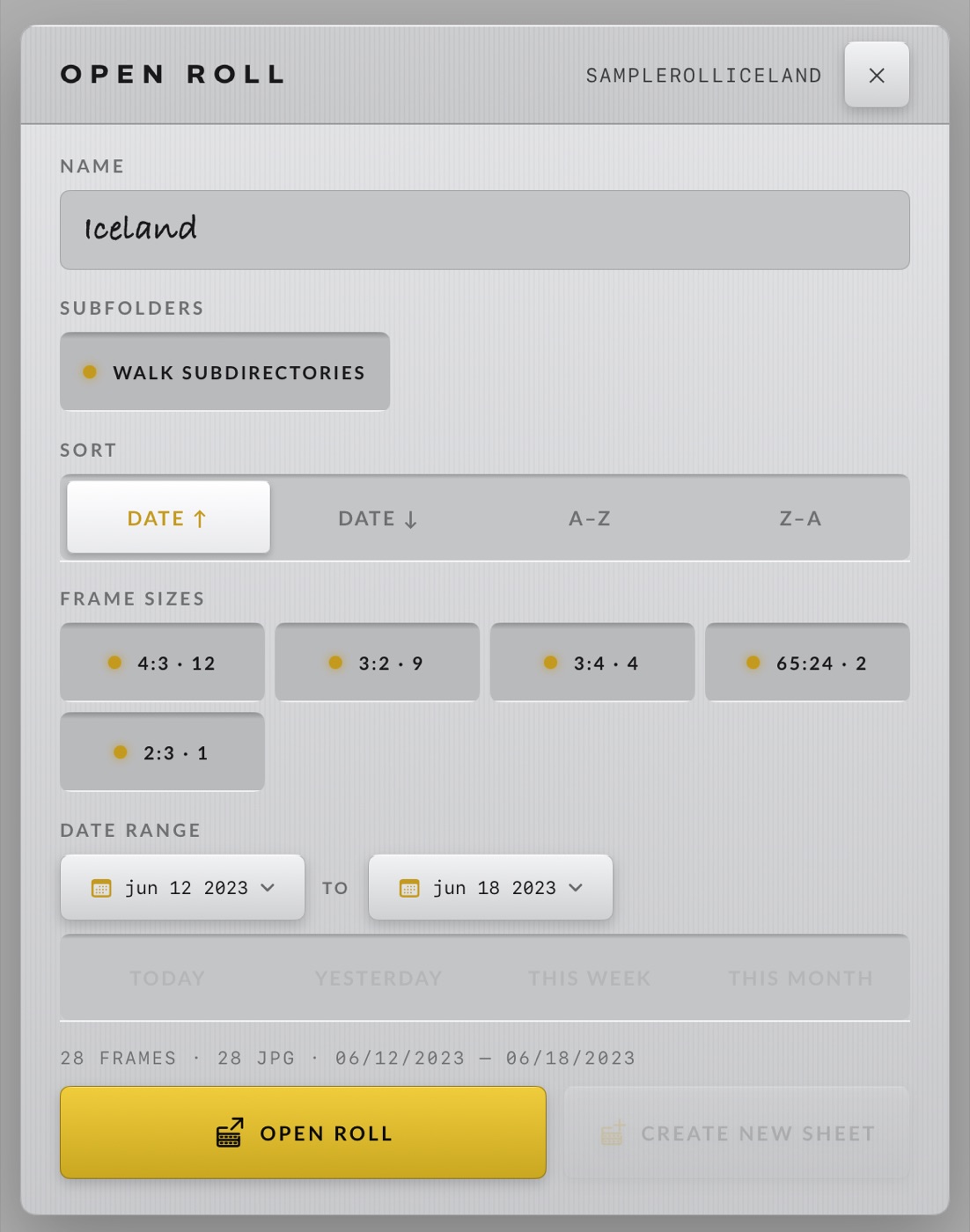
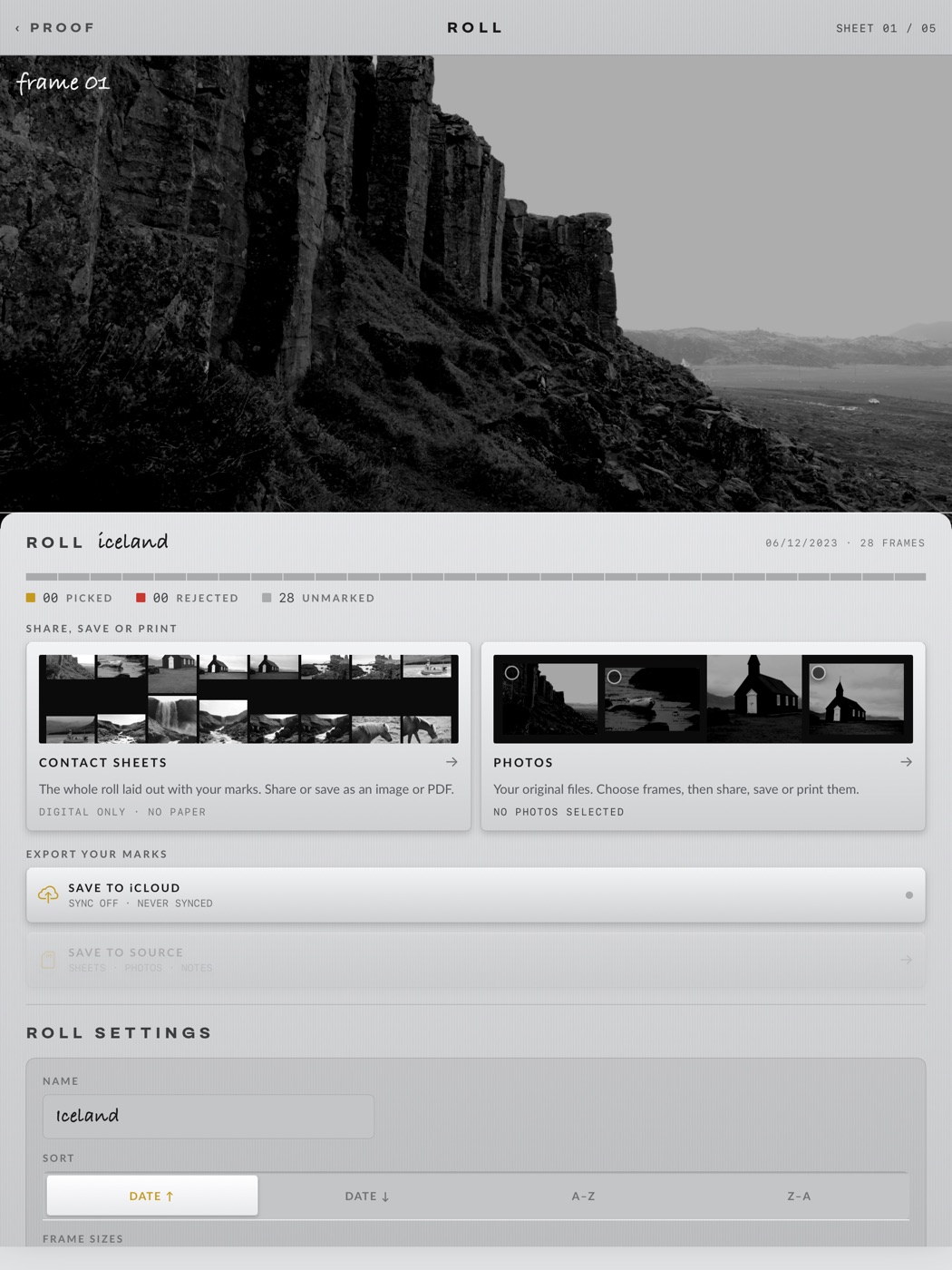
Open a roll.
Proof is on the App Store for iPhone, iPad and the Duo. The sample rolls are free.
DOWNLOAD ON THE APP STORE →