Before your trial
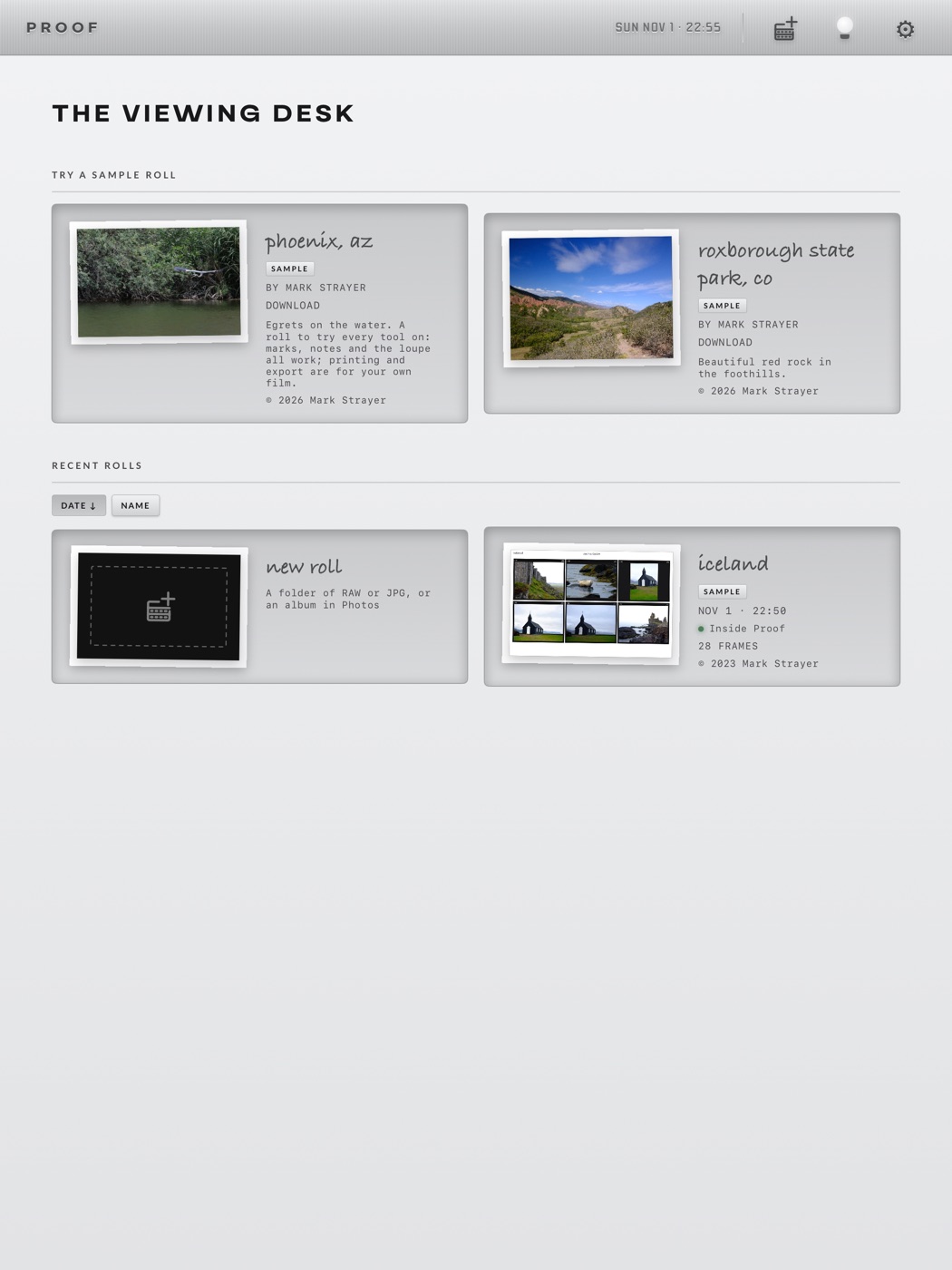
The first screen is THE VIEWING DESK. Until you start a trial or subscribe, it offers three of our rolls to practise on. Everything you learn on them carries straight over to your own photos.
1.1Download a sample roll
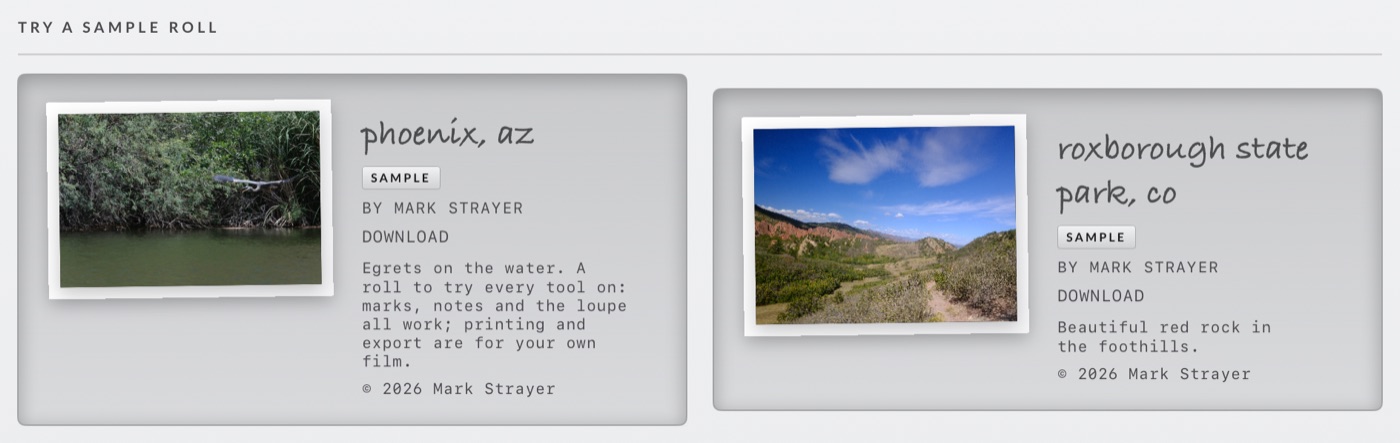
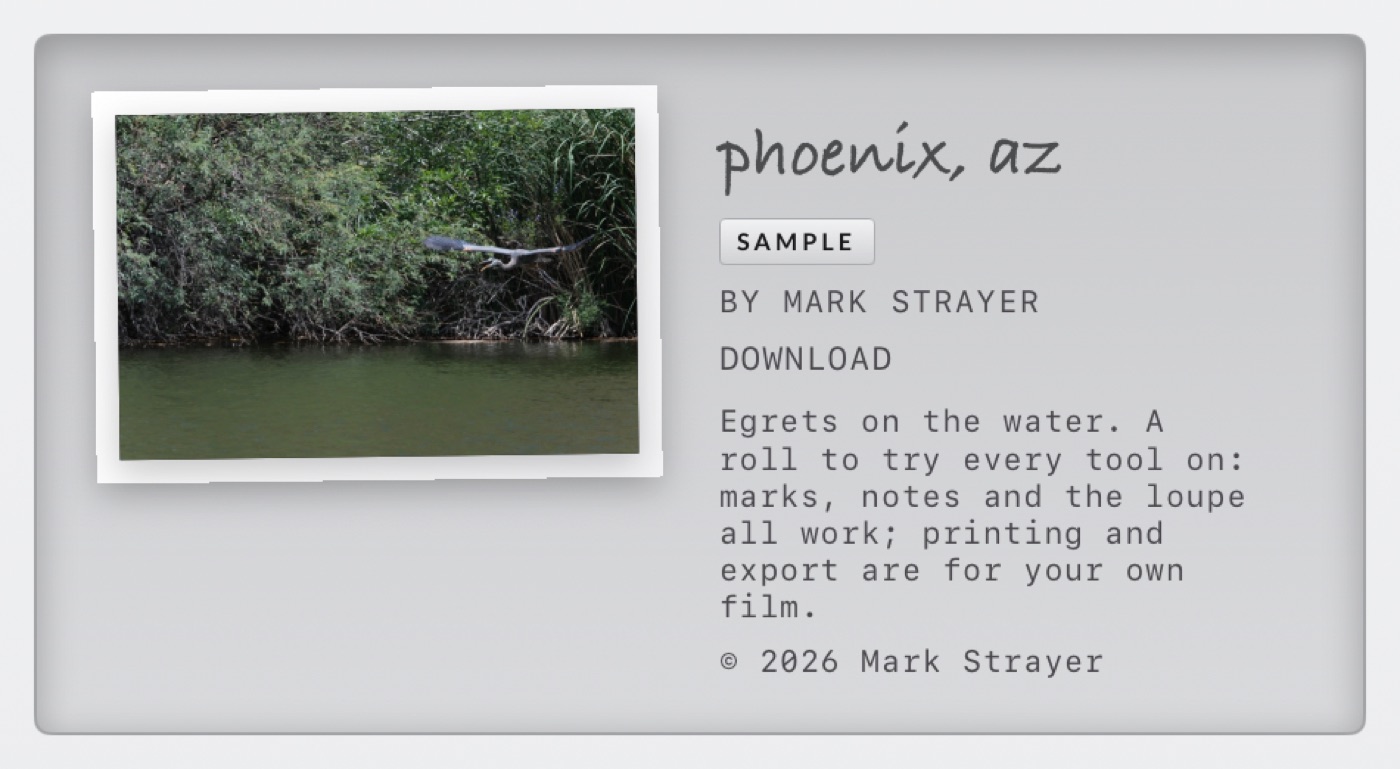
- Tap a row to fetch it. The frames come down from Apple's servers and are copied into Proof's own storage, so the roll's location reads INSIDE PROOF. The action line counts up (
DOWNLOADING · 42%) and the roll opens by itself when it lands, as long as the desk is still on screen. - Once it has landed the line reads
OPEN · 28 FRAMES · 65 MB. After the first open the row disappears: the sample has become an ordinary recent roll, tagged SAMPLE. - Three rolls to choose from, all by Mark Strayer: Phoenix, AZ (egrets on the water), Iceland (puffins and black churches) and Roxborough State Park, CO (red rock in the foothills).
- No connection? The line says
NO CONNECTION · TAP TO RETRY. Tap again when you are back online. - Long-press a sample row (or its recent card later) for Hide and Remove. Remove deletes the download from Proof only; nothing of yours is touched, and you can fetch it again any time.
1.2What you can do on a sample
A sample is a full roll. Open it, read it as a sheet, and use every tool on the bar:
| Works on a sample | Held back on a sample |
|---|---|
| The five chinagraph pencils and the eraser · notes on a frame · the loupe, in every zoom · full resolution · SELECT and REJECT stamps · black & white viewing · the easel blades · undo and redo · Delete rejected (it is our film, so nothing of yours is at risk) | Printing · sharing · exporting a sheet or photos · marked JPEGs and Lightroom / Capture One flags · selects to Favorites or to an album · saving your marks to the card or to iCloud |
The held-back controls stay on screen so you can see where they live; each shows a line such as Sample roll — printing is for your own film instead of acting. The two save-marks rows are simply hidden on a sample, because there is no card to write to.
1.3Where the trial begins
- Opening your photos is what the subscription covers: Open your own rolls, RAW and JPG · Unlimited contact sheets · Print, share and export your sheets. Tap New roll or any recent roll that is not a sample and the card comes up.
- The trial is 14 days free, then a yearly subscription at the price shown on the card, billed to your Apple Account. Cancel any time; it renews unless cancelled 24 hours before the renewal date. Tick Remind me on day 12 and Proof sends one notification two days before it renews.
- START FREE TRIAL finishes with a
TRIAL STARTEDstamp, and the desk is unchanged except that the sample rows fold away: a sample you had downloaded but not opened becomes a recent roll rather than vanishing, and one you had already opened stays exactly where it was, marks and all. - Already subscribed on another device? RESTORE on the card picks it up.