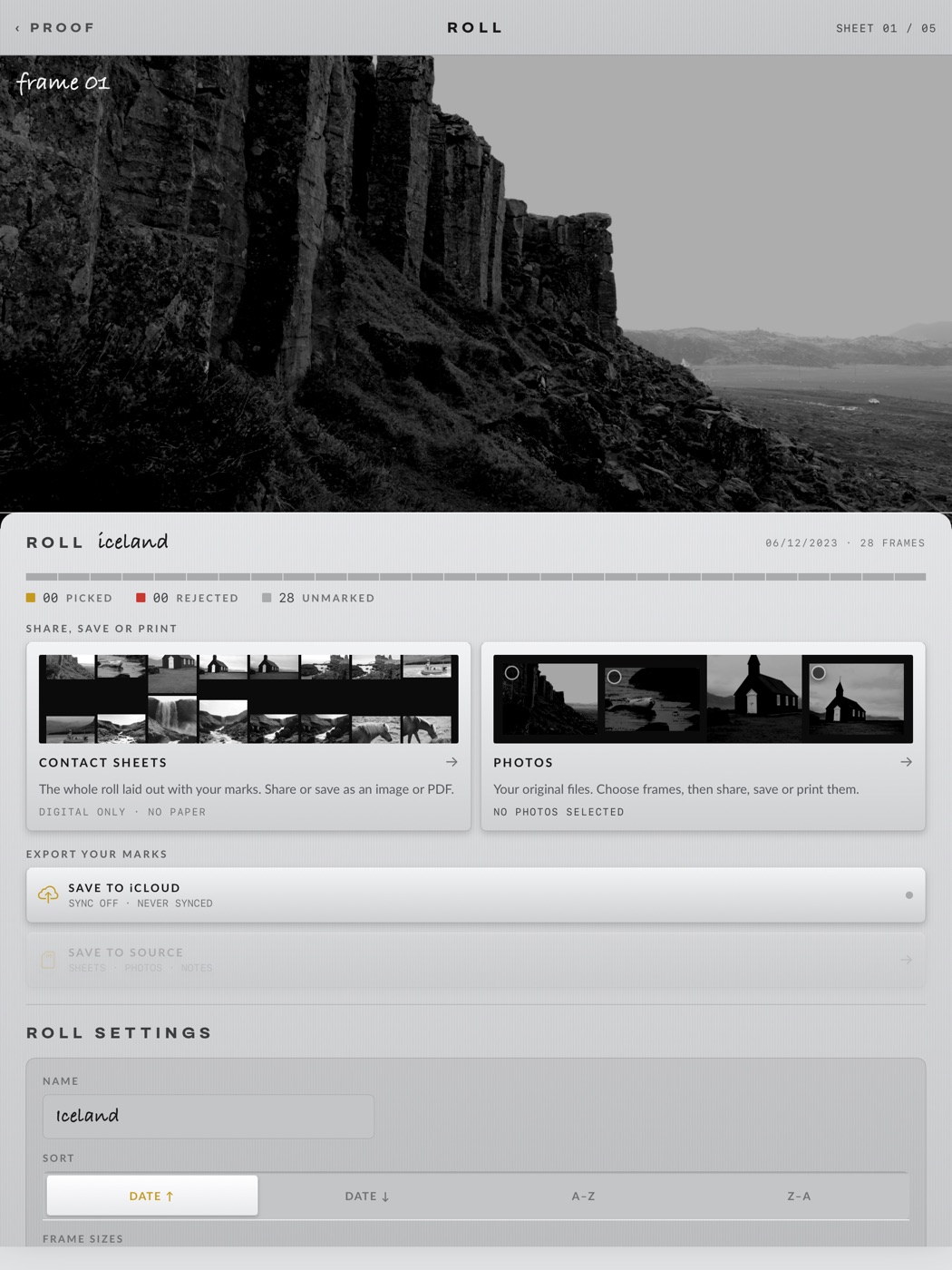
The ROLL screen
Roll actions on the toolbar opens it. The frame in hand sits at the top; below it, everything that leaves the app. Each card leads to its own screen; this is the main page only.
4.1The roll at a glance
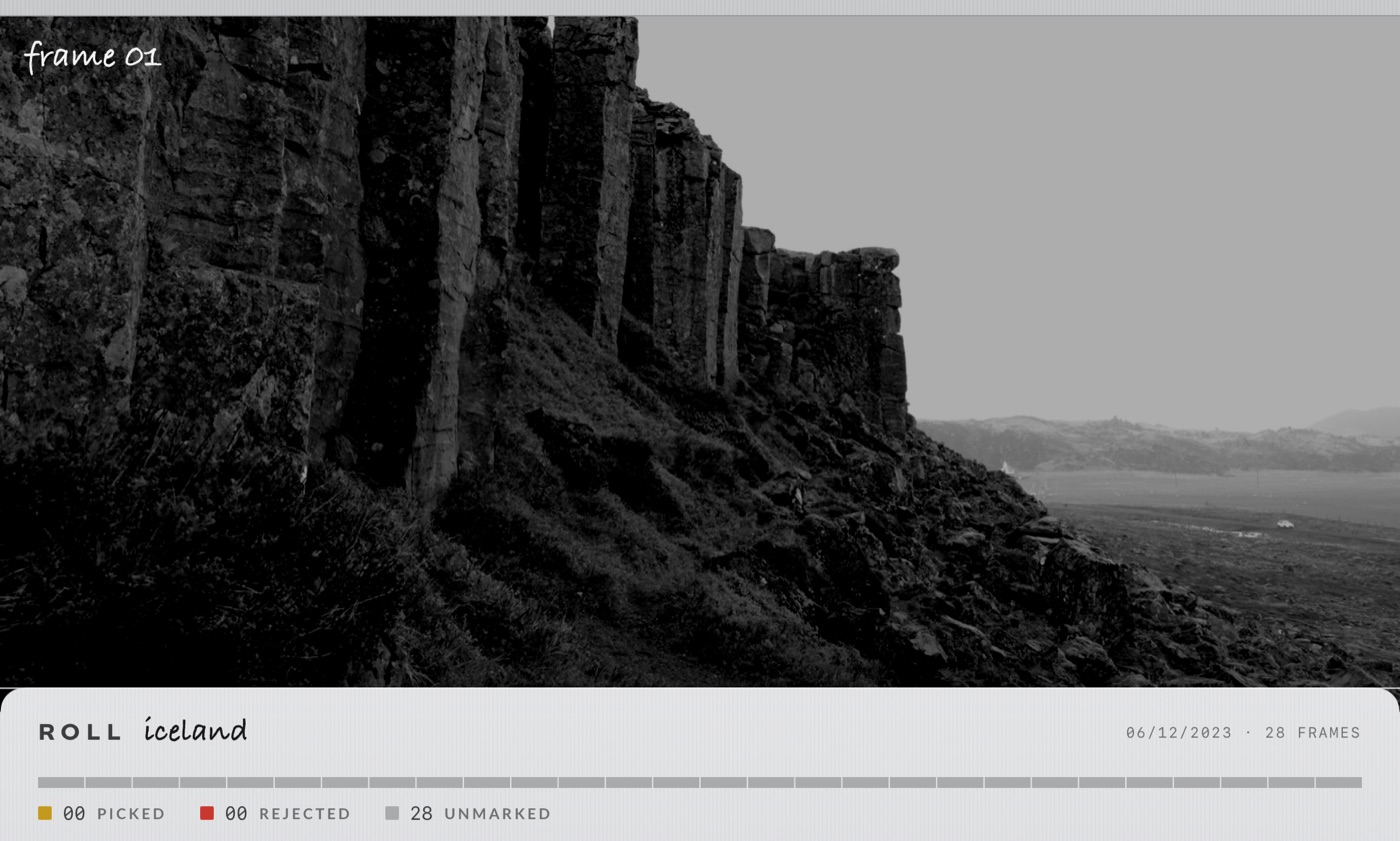
The frame you had open (or your first select) shows above the roll's name, its date and its frame count. Under it, the verdict strip: one thin bar per frame, coloured by its stamp, with the PICKED / REJECTED / UNMARKED tallies. The header's pager tells you which frame or sheet you came from.
4.2Share, save or print
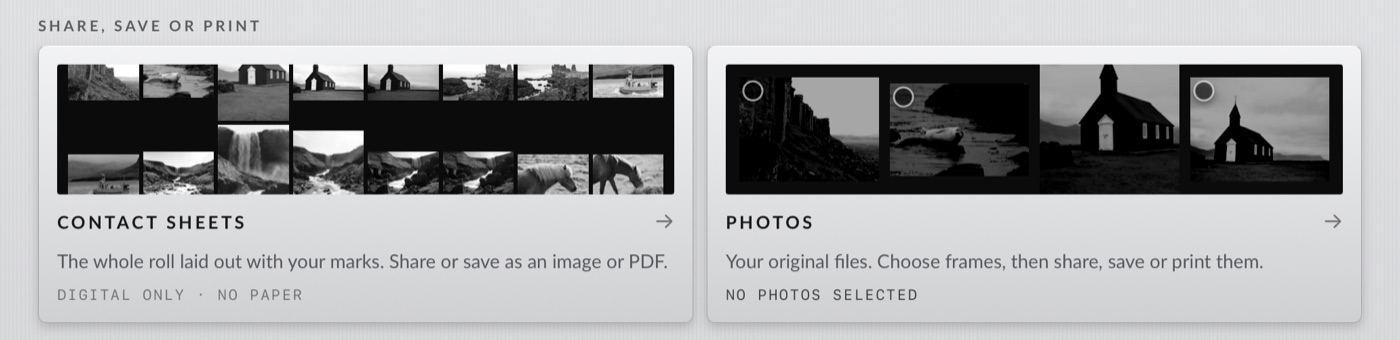
- CONTACT SHEETS: the whole roll laid out with your marks, as an image or a PDF. Its screen lets you pick which sheets, set the rows, and switch the overlays (marks, roll info, frame info) before you share or save. Digital only, no paper.
- PHOTOS: your original files. Choose frames, pick a finish, then share, save or PRINT them one, two or four to a page. The foot line counts what is chosen (
3 PHOTOS SELECTED).
4.3Export your marks

- SAVE TO iCLOUD: the row is the switch. Pressed in with its LED lit, the roll's marks sync through iCloud to your other devices; the status line says when it last did (
SYNC ON · Last …,NEWER MARKS ON iPAD PRO). - SAVE TO SOURCE (folder rolls): writes the sheets, the marked photos and your notes beside the originals, in a
PROOFfolder on the card, and keeps the marks file with them so the roll travels. Dimmed when the folder cannot be written. - SELECTS TO FAVORITES and SELECTS TO ALBUM (Photos rolls): make the library's favorites match your selects, or put the selects into an album named for the roll (you can rename it in the prompt; nothing is ever removed from an album).
4.4Roll settings
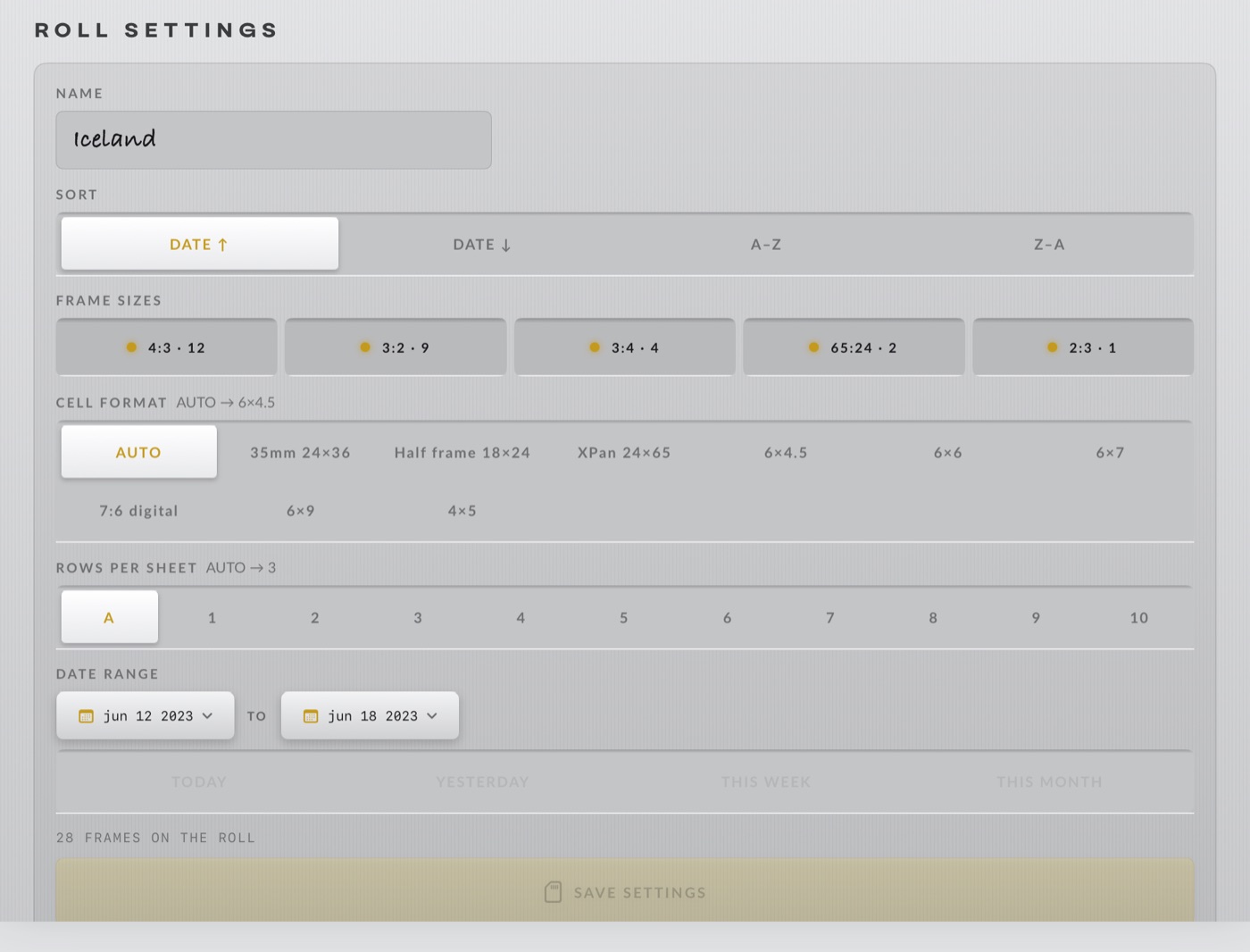
Name, sort, subfolders, file types, frame sizes, cell format and date range, the same choices as the open dialog, plus ROWS PER SHEET: A for auto (it shows what auto resolved to, AUTO → 4) or 1 to 10. Nothing applies until you tap SAVE SETTINGS; leave the screen and the edits are dropped. CLEAR BORDER MARKS appears when you have drawn in the sheet's margins.
4.5Clean up
- A tap does nothing. Hold the key for most of a second to arm it; a confirmation then lists every file it will remove, by name, before you tap DELETE N PHOTOS.
- On a folder roll the files are deleted from the source (into the trash where the volume has one; an SD card has none, so there it is permanent). On a Photos roll they move to Recently Deleted, recoverable for 30 days, and the system asks once more.
- What goes: each rejected original and the sidecars Proof itself wrote for it. What never goes: an
.xmpthat Proof did not write (your Lightroom or Capture One develop settings stay, and the list says so), any file a surviving sibling still needs (rejectIMG_1.JPGandIMG_1.CR3keeps its sidecar), and any frame you did not reject.
Open a roll.
Proof is on the App Store for iPhone, iPad and the Duo. The sample rolls are free.
DOWNLOAD ON THE APP STORE →